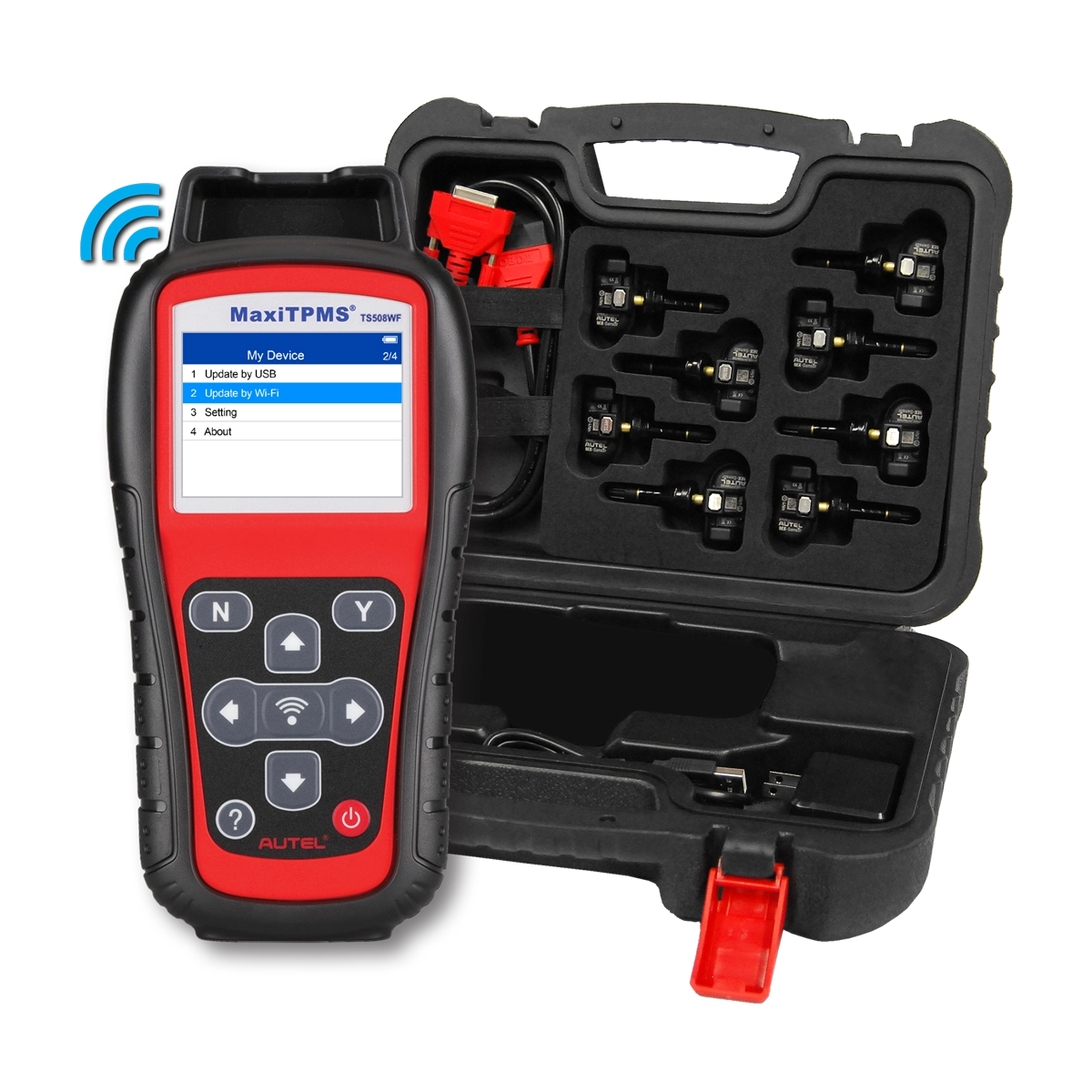



MaxiTPMS TS508WF Kit with 8
1-Sensors
Advanced TPMS Service Tool with (8) 1-Sensors
The TS508WFK-1 kit includes the TS508WF TPMS tool and eight programmable Autel 1-Sensors. The TS508WF is a TPMS service tool. It is Autel’s first non-tablet tool providing Wi-Fi software updates. It features Quick and Advance modes of TPMS service and a TPMS status screen. It can read/activate/relearn all known sensors, has 4 methods of MX-Sensor programming, and performs placard value resets on supported vehicles. The TS508WF displays on-tool MX-Sensor relearn procedures including OBDII and can do key fob signal tests. It includes an OBDII cable, a 1-year tool warranty, and free lifetime software updates are available with purchase.
| TS508WF: TS508WF Kit (8) |
- Description
- Specifications
- 12,000 LBS Specs
- 14,000 LBS Specs
- Updates
- Functions
- Software
- Downloads
- What's Included
- Sold Separately
- Compare Similar
- Quick Mode & Advanced Mode Options
- Read/Activate/Relearn All Known Sensors
- Detect & Display TPMS System Faults
- Includes 8 programmable Autel 1-Sensors
- Update software directly from tool-enabled Wi-Fi
- 4 Programming Options: MX-Sensors Only
- TPMS System Status Screen
- Display On-Tool Relearn Procedures Including OBDII Relearn
- Placard Value Reset on Supported Vehicles
- Key Fob Signal Test
- FREE Lifetime Software (lifetime of tool) & 1Yr Warranty
- Display Sensor ID, Battery Life (on supported sensors) and Psi
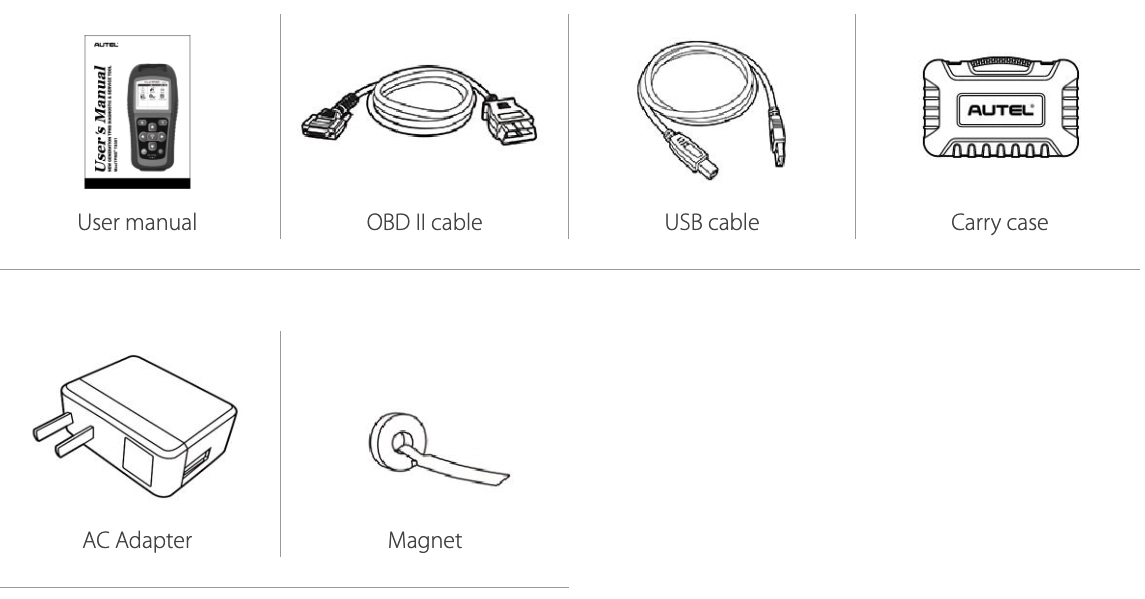
- Includes OBDII Cable
- 2.3″ Color Display 320×240
- Easy-To-Use Navigation
- 3200mAh Lithium-polymer Battery
| Display | TFT color display (320 x 240 dpi) |
| Power | 3.7 V Li-polymer battery; 3200 mAh |
| Operating Temperature | 0°C to 50°C (32°F to 122°F) |
| Storage Temperature | -20°C to 70°C (-4°F to 158°F) |
| Dimensions (LxWxH) | 215 mm (8.46") / 105 mm (4.13") / 37 mm (1.46") |
| Weight | 0.39 kg (0.86 lb.) |
Watch the video above for instruction on how to update your tool.
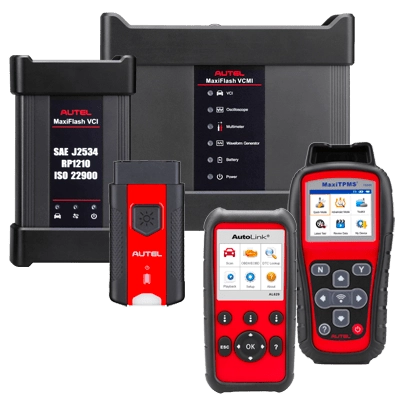
Autel Maxi PC Suite allows you to update your VCI, TS508, TS508WF, DIY Products, etc. via your computer. It will also host the drivers for OE software for J2534 platforms.
Watch the video above for instruction on how to update your tool.
Autel Maxi PC Suite allows you to update your VCI, TS508, TS508WF, DIY Products, etc. via your computer. It will also host the drivers for OE software for J2534 platforms.
 | MaxiTPMS TS508 User Manual | Download |
| MaxiTPMS TS508WF User Manual | Download |
| MaxiTPMS TS508 Function List | Download |
| MaxiTPMS TS508WF Quickstart Guide | Download |
| MaxiTPMS TS508 Print Function Operating Guide | Download |
| MaxiTPMS TS508 Diagnose Legend | Download |
| MaxiTPMS TS508 Flyer | Download |
| MaxiTPMS FAQ Flyer | Download |
Related Products
-
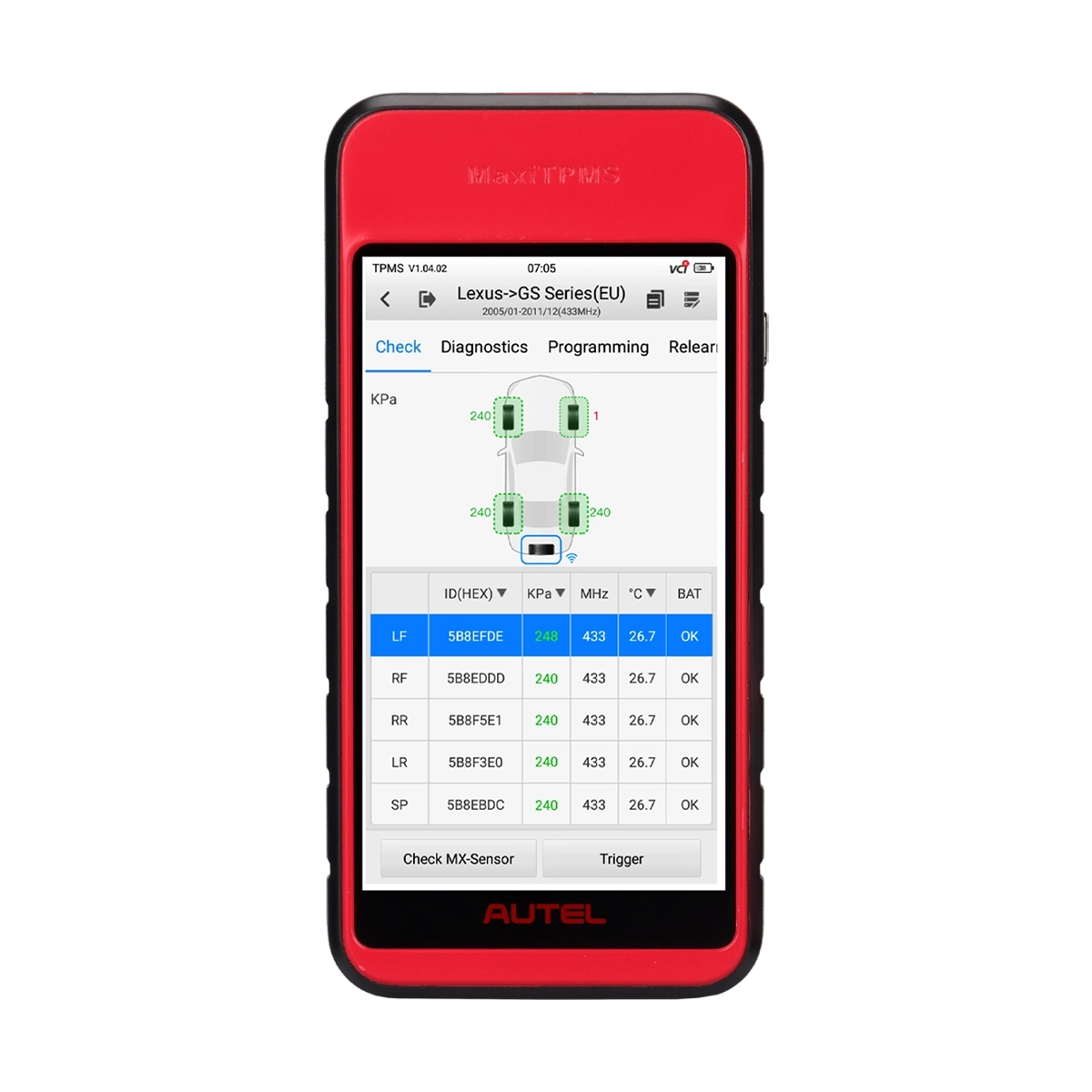
ITS600
$515.005.5-inch Wireless Touchscreen TPMS Service Tablet
- Complete TPMS Service
- 1-Sensor Programming with 99.7% Coverage
- Bluetooth MaxiVCI V200
- Free TPMS software updates for life of tablet
-
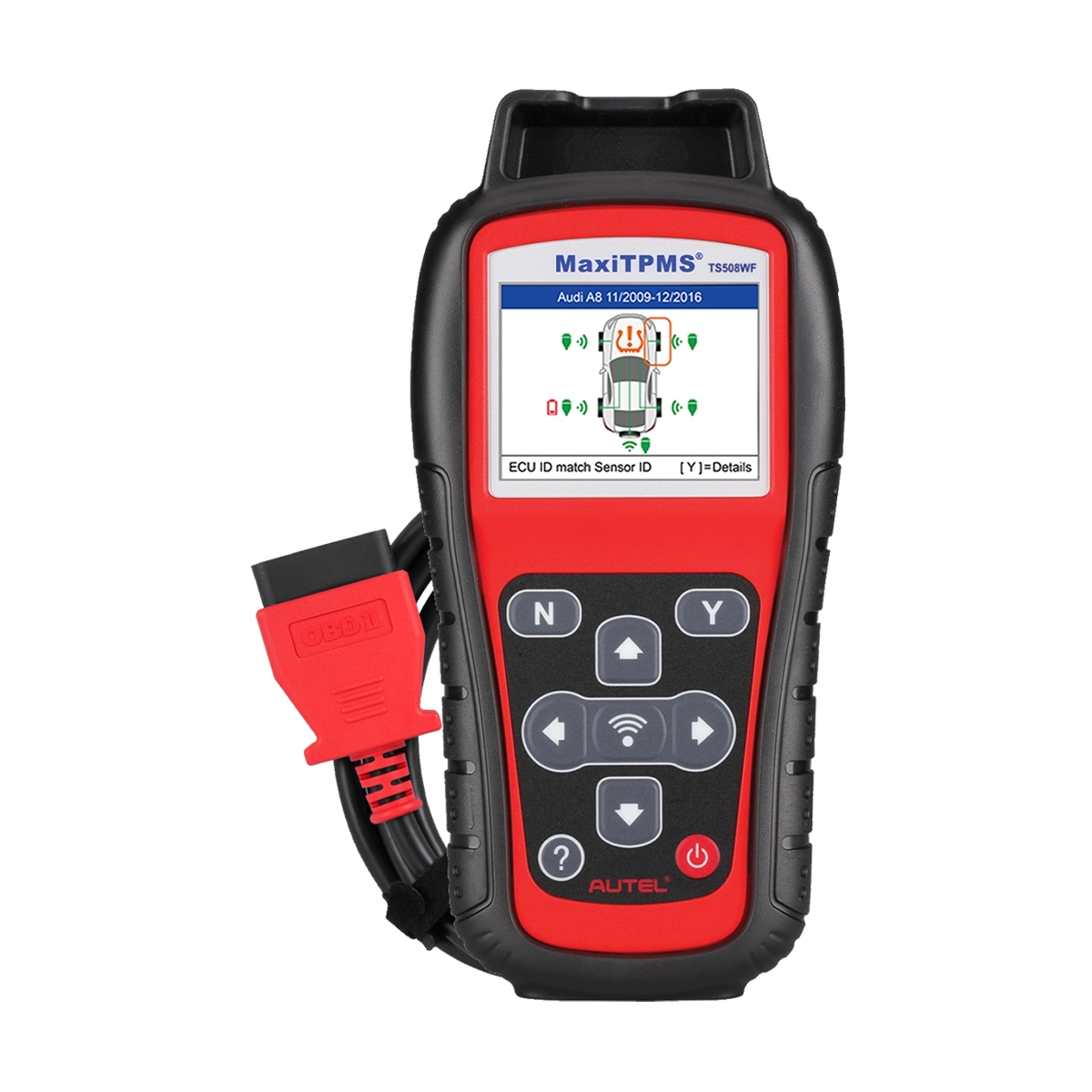
TS508WF/TS508
$330.00Rugged Handheld TPMS Service Tool
- Complete TPMS Service
- 1-Sensor Programming with 99.7% Coverage
- Color-coded TPMS status screen
- Free TPMS software updates for life of tool
-
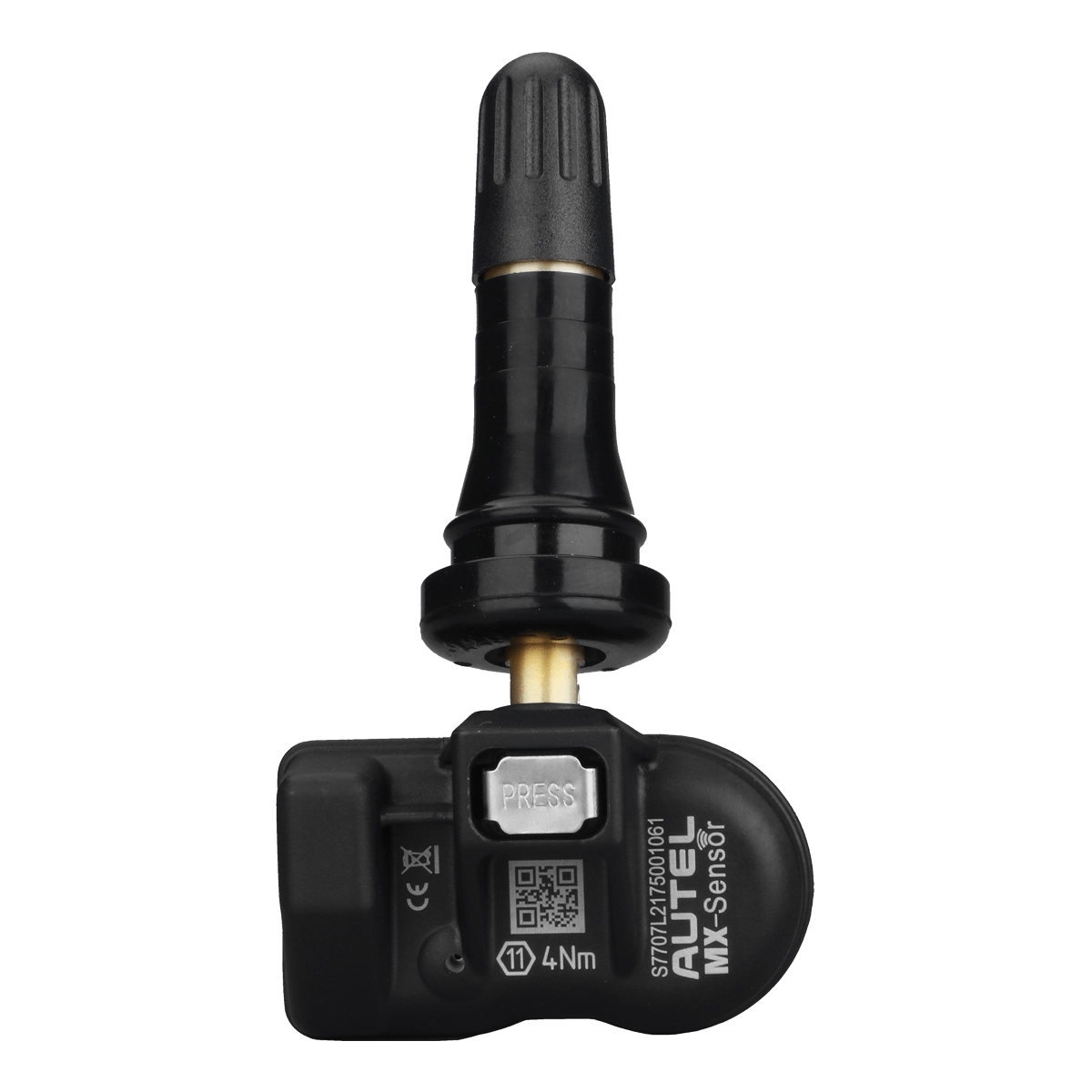
MX-Sensor 1-Sensor (Rubber)
$39.951-Sensor with Press-in Rubber Valve Stem
- Universal Programmable Sensor
- Program with Any Autel TPMS Tool
- Program to replace 99.7% of Vehicle TPMS Sensors
- Dual 315MHz & 433MHz Frequencies
-
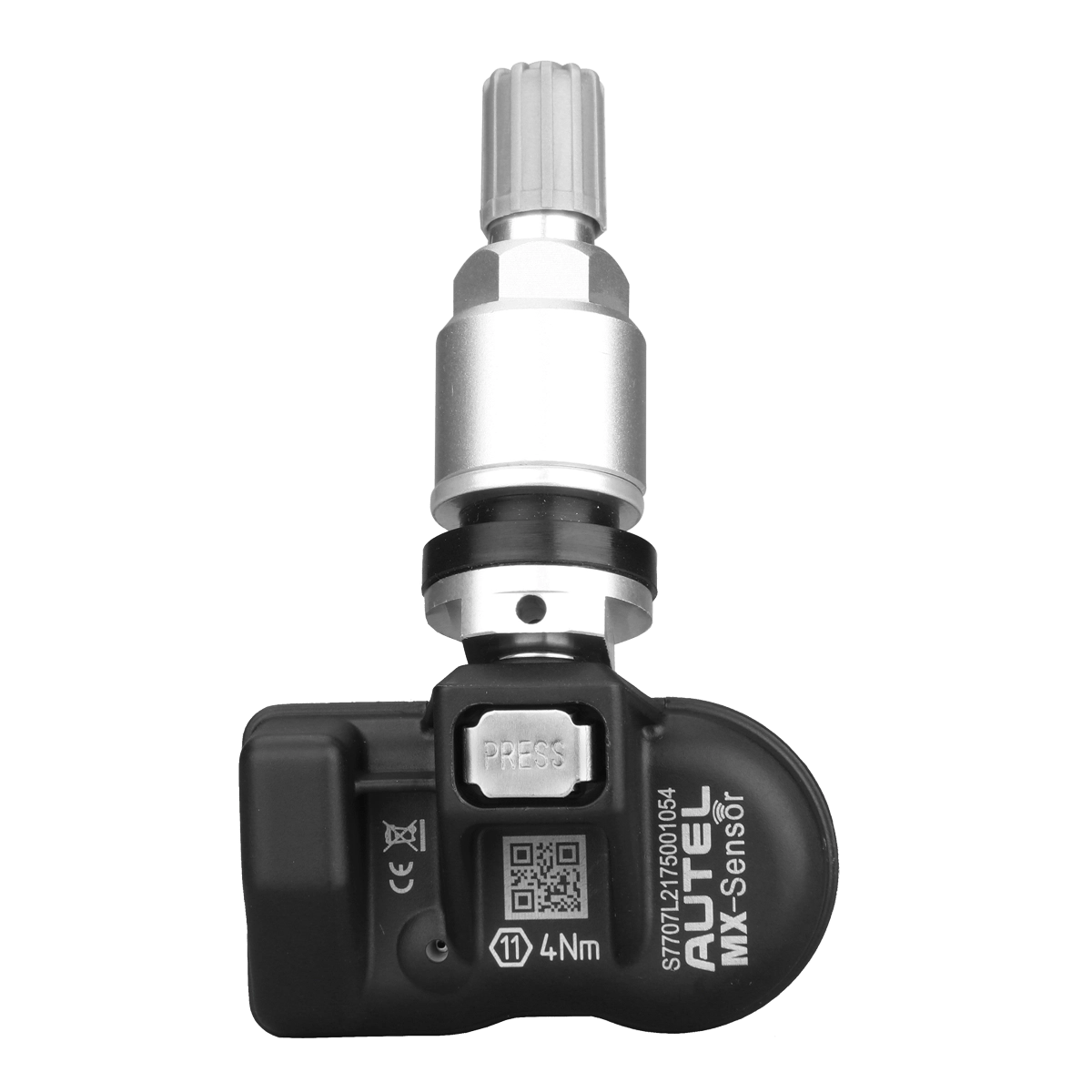
MX-Sensor 1-Sensor (Aluminum)
$39.951-Sensor with Press-in Aluminum Valve Stem
- Universal Programmable Sensor
- Program with Any Autel TPMS Tool
- Program to replace 99.7% Vehicle TPMS Sensors
- Dual 315MHz & 433MHz Frequencies